

Everything Cesflo does, and exactly how to set it up.
Cesflo tracks a process from start to finish: who owns each step, how long it took, what it used, and what it cost, all live and automatic. Below is everything it does, and the exact path from signup to your first finished run.
Build the process as a flowchart, not a form.
Lay out stages, give each one an owner (a person or a whole department) and a target time, and connect the ones that depend on each other. Leave two stages unconnected and they just run at the same time. There's no separate "parallel task" thing to learn.

Know the moment something falls behind, before you even have to ask.
Every stage gets a target time. Cesflo keeps an eye out for anything that's gone quiet and sends a stalled stage straight to its department lead. Nobody has to notice it and chase it down by hand. Every finished run leaves a real record of target versus actual time, so a slow stage shows up as a pattern, not just a one-off complaint.

Price the process, then see what it actually cost.
Build a library of what your processes use: people, equipment, materials, services, fixed expenses, each with a rate. Attach them to a stage with a planned amount, and Cesflo works out the budget for you. The moment a run starts, that budget gets locked in, so a rate change next quarter can't quietly rewrite a run that's already underway. Record what's actually used as work happens, and the variance rolls up on its own, by stage and by process.

Everyone in one place, with exactly the access they need.
Invite your team from one page, either one at a time or by pasting in a whole list, and they can start working right away. There's no waiting on an acceptance step. Four roles cover everything: submitters and approvers do the work, admins set up the workspace, and viewers get full read-only access for free, on every plan, forever. On top of that, business functions (departments) and access grants let you give someone visibility into just one process or team.

A sign-off means something, because it's backed by proof.
Require a photo, a note, or a GPS-verified location before a stage can be signed off. Flag a stage as needing a second, independent sign-off for anything that shouldn't rest on one person's word. If something's wrong, send a stage back to a previous owner for rework instead of forcing a whole new run. Every action, every rate change, every override is on the record.

One dashboard that actually answers 'how are we doing?'
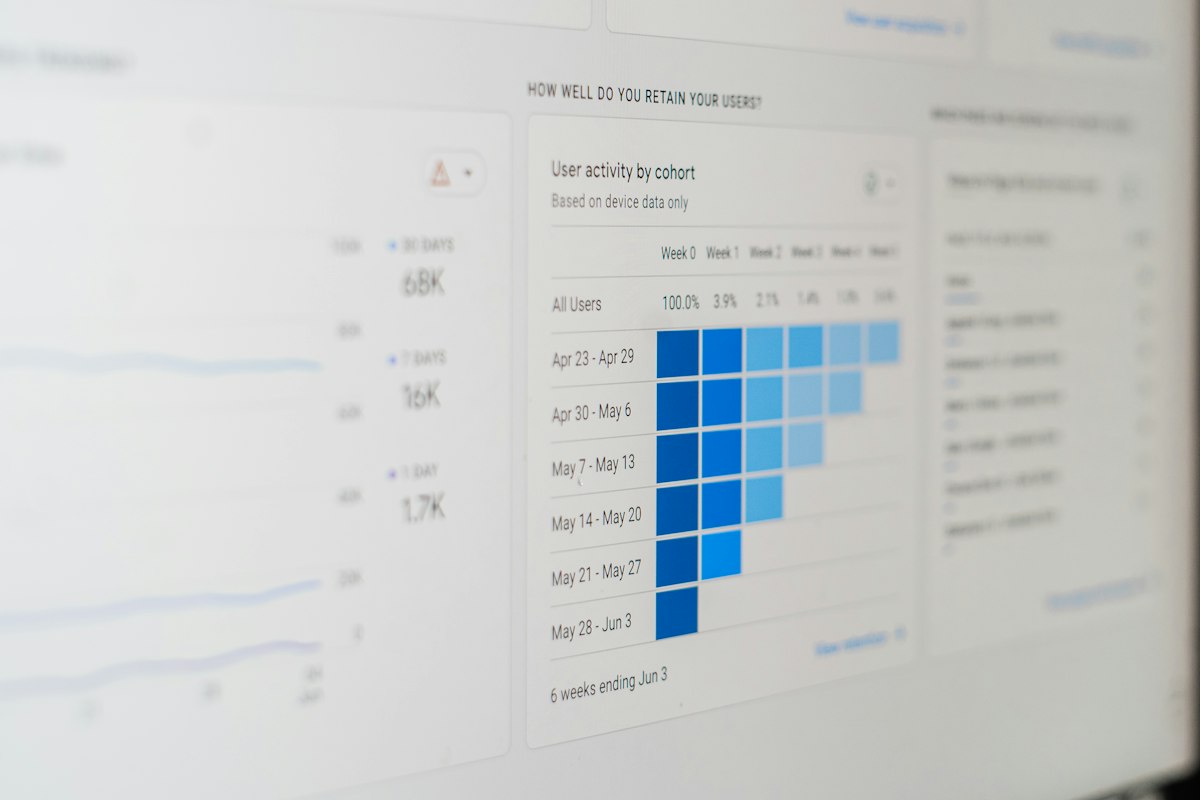
See active, blocked, healthy, and at-risk processes at a glance, filtered by department if you want. Track how many milestones you're hitting each week, see which stages are costing you the most time or money across your whole process library, and open the full replay of any single run: a timeline of exactly what happened, who did it, and when. Insights takes the same numbers further: completion rate, on-time delivery, and cycle time, rolled up by business function and org-wide — not just what's active right now, but how each team is actually performing over time.
Cesflo comes to you. You don't have to go check it.
In-app, email, and push notifications when a stage lands on you or something needs attention. A native mobile app covers your dashboard, tasks, and sign-off in the field. Point a Slack or Teams webhook at Cesflo and every activation, escalation, rework, and completion posts there too. Need to pull someone else into a specific stage right now, not wait for the next automatic alert? Share it straight to WhatsApp or email from the stage itself, pre-filled with what it is and a direct link.

Getting started
From signup to your first completed run.
No implementation project, no sales call required to start. Most of this takes under an hour.
Create your workspace
Sign up with your company name and you're in. A full 21-day trial starts right away, no credit card needed.
Invite your team
From the Team page, add people one at a time or paste in a whole list at once. Viewers are unlimited and free on every plan.
Add what your processes consume
Build out your Resource Library: people, equipment, materials, services, expenses, each with a rate. You can also skip this for now and add resources later, stage by stage, as you build.
Build your first process
Lay out stages in the builder, assign owners and target times, and attach resources for a planned budget. Or just describe it in plain language and let AI draft the first version for you to refine.
Start a run and watch it move
Every stage with no dependency starts right away. Owners sign off as they go, and Cesflo automatically activates whatever that unblocks.
Review cost, time, and performance
As runs finish, the dashboard and analytics fill themselves in: budget versus actual, on-time rate, and where the real bottlenecks are.
A process can contain a process.
A stage can hand off to an entire other process instead of one person signing off. When that stage activates, its linked process starts its own run automatically; when that run finishes, the stage signs itself off and the parent process carries on. That's how a large, organization-wide process gets built out of smaller operational ones, without anyone managing the handoff by hand.
Set it up once. Every run after that runs itself.
Every plan includes a full-featured 21-day trial. No credit card required.